
Prerequisites
Director Fabric v1.4.0 or later
Director Console v1.9.0 or later
Logpoint v6.12.2 or later
To install Gsuite in Director Console:
Log in to Director Console.
Click Assets in the navigation bar.
Select Plugins from the Assets Type drop-down.
Click the upload area to browse, or drag and drop the .pak file.
Click Upload.
Once uploaded, the Assets page adds the .pak file to the list of the available packages in the Fabric Server.
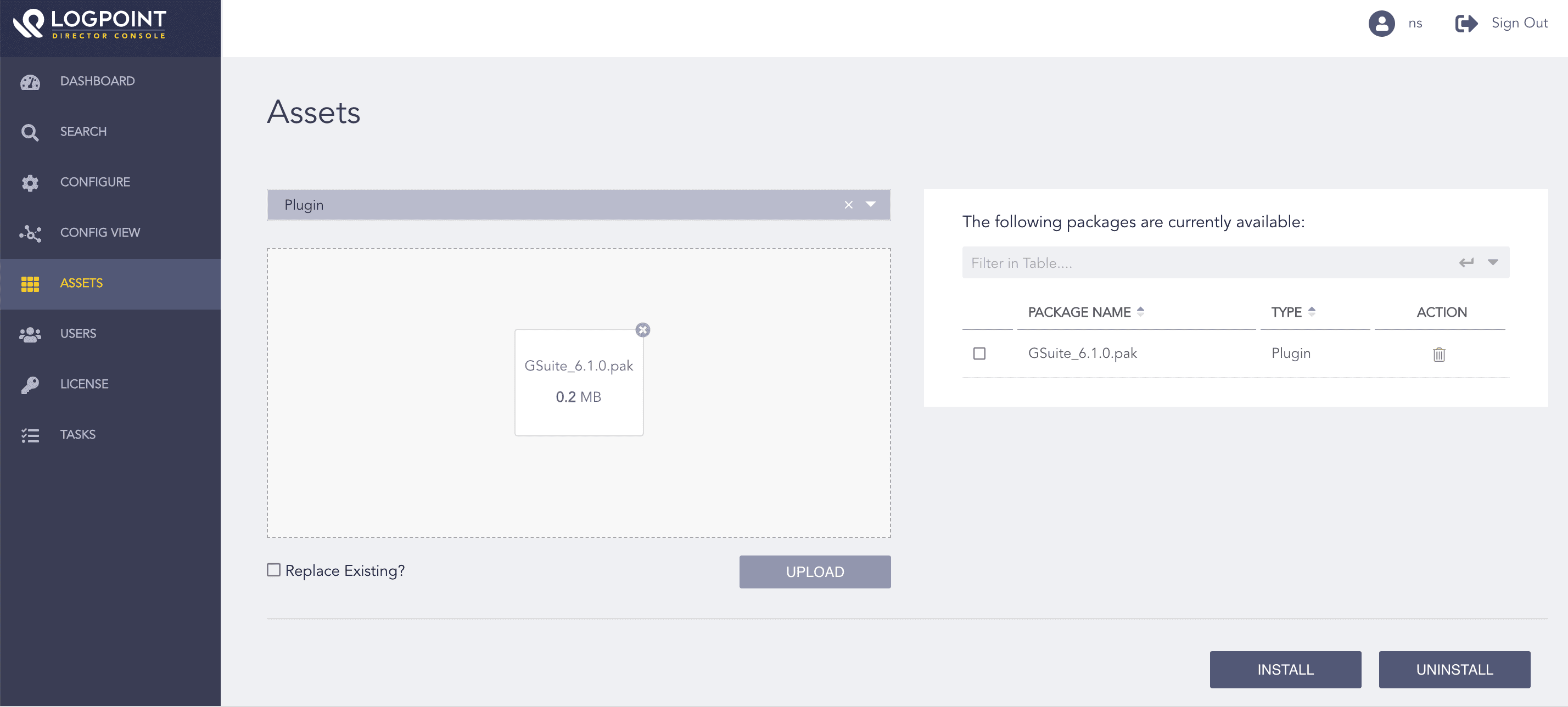
Uploading the Package
Select Gsuite .pak from the list of available packages.
Click Install.
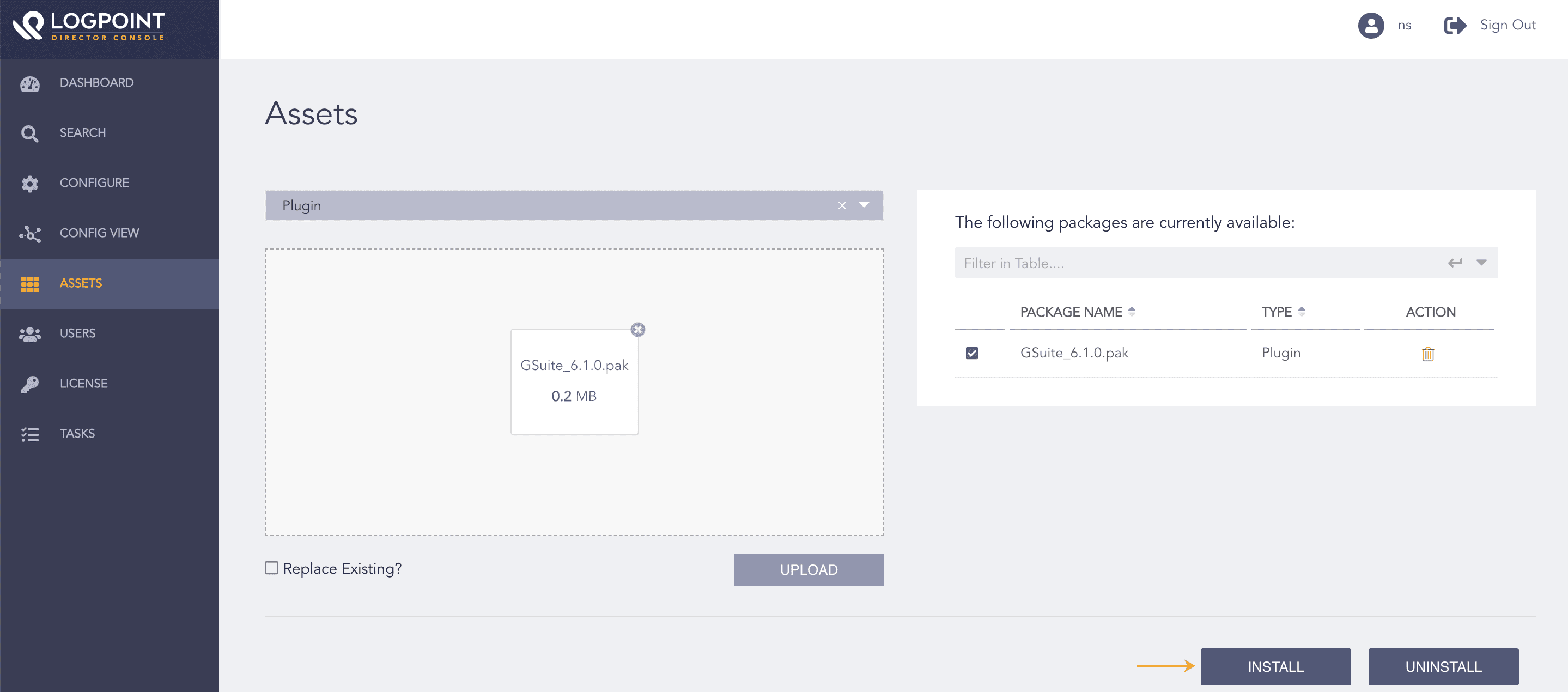
Selecting the Package
Select Logpoint to install Gsuite. You can select multiple Logpoints of different pools.
Click Next.
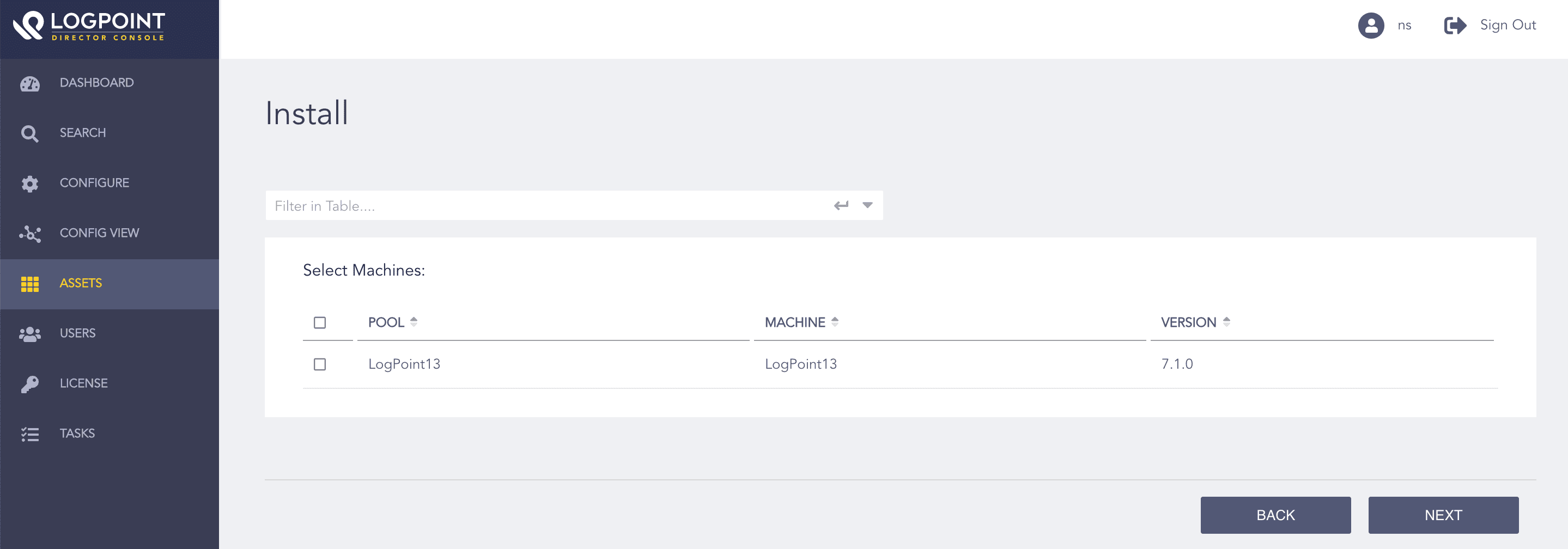
Selecting Logpoint
Review your changes. You can go Back to make any changes if necessary.
Click Install and click OK to confirm.
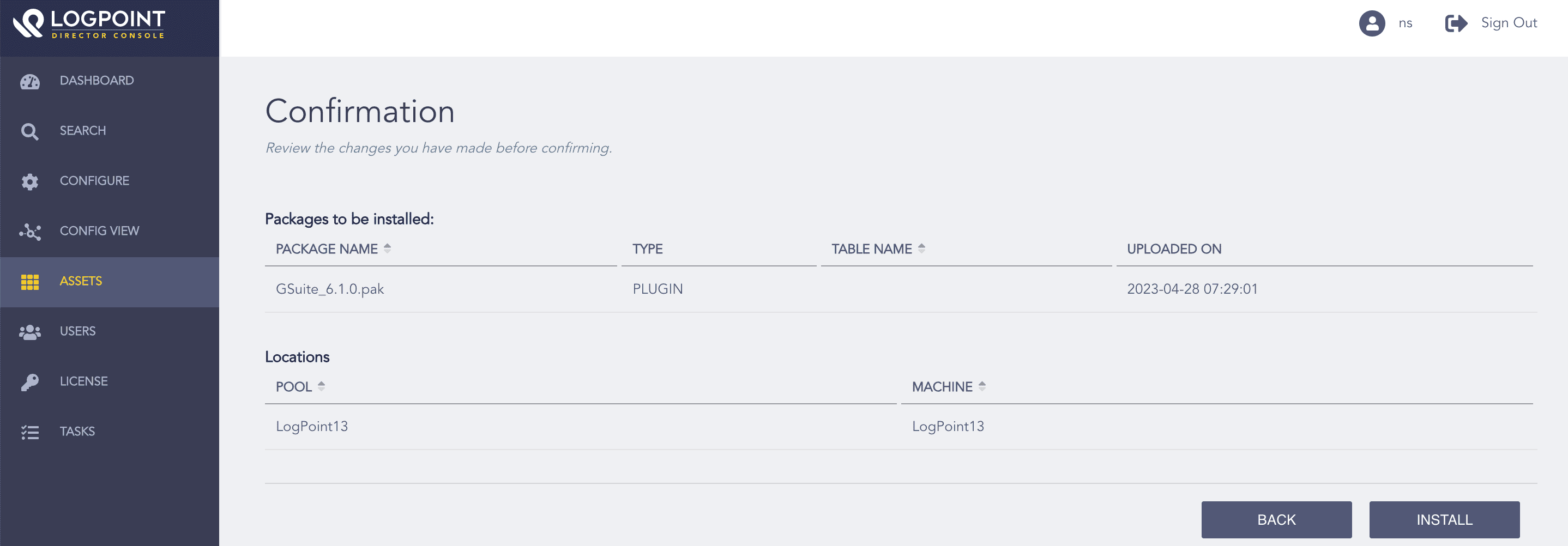
Confirming the Changes